
It knows the actual order
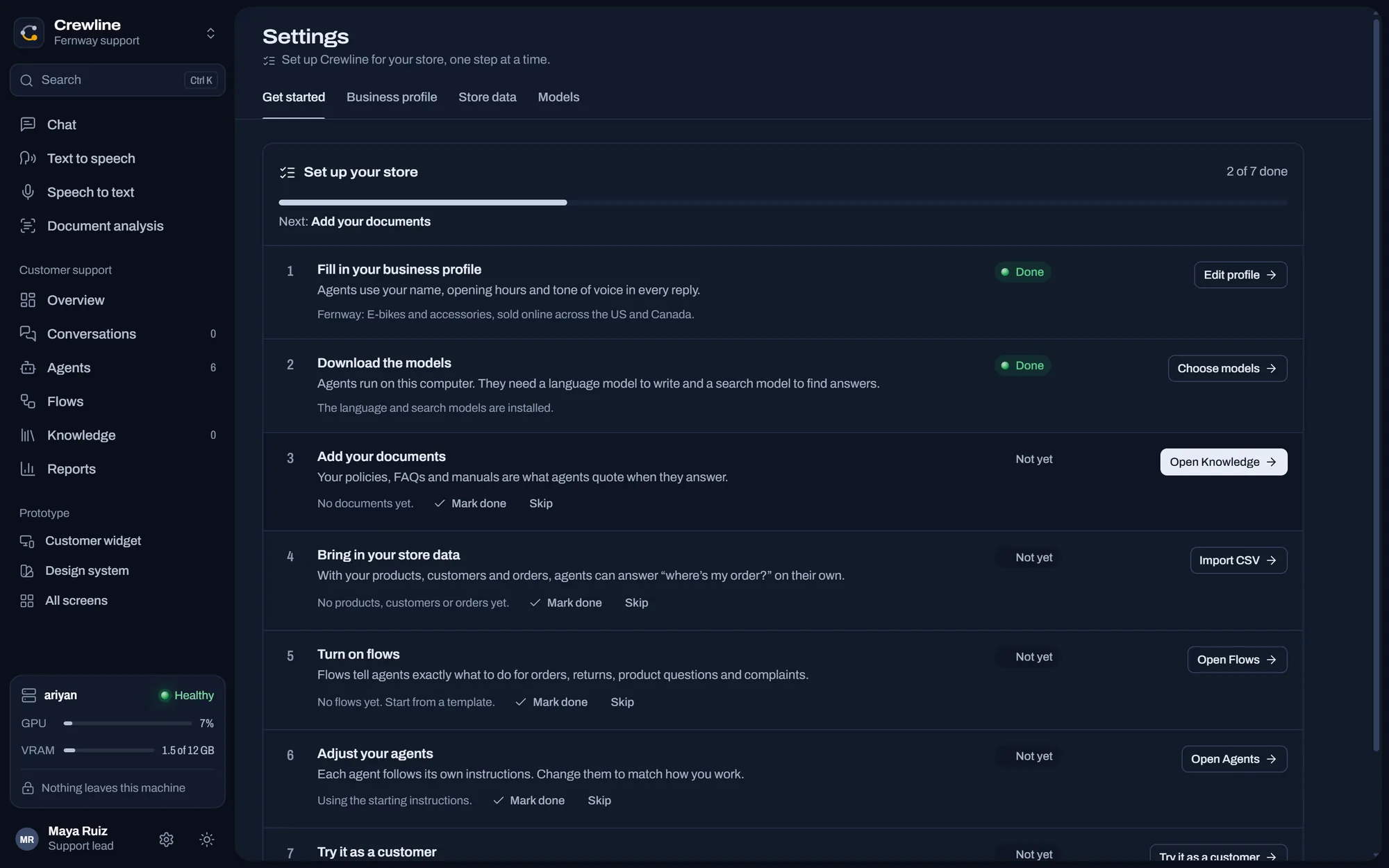
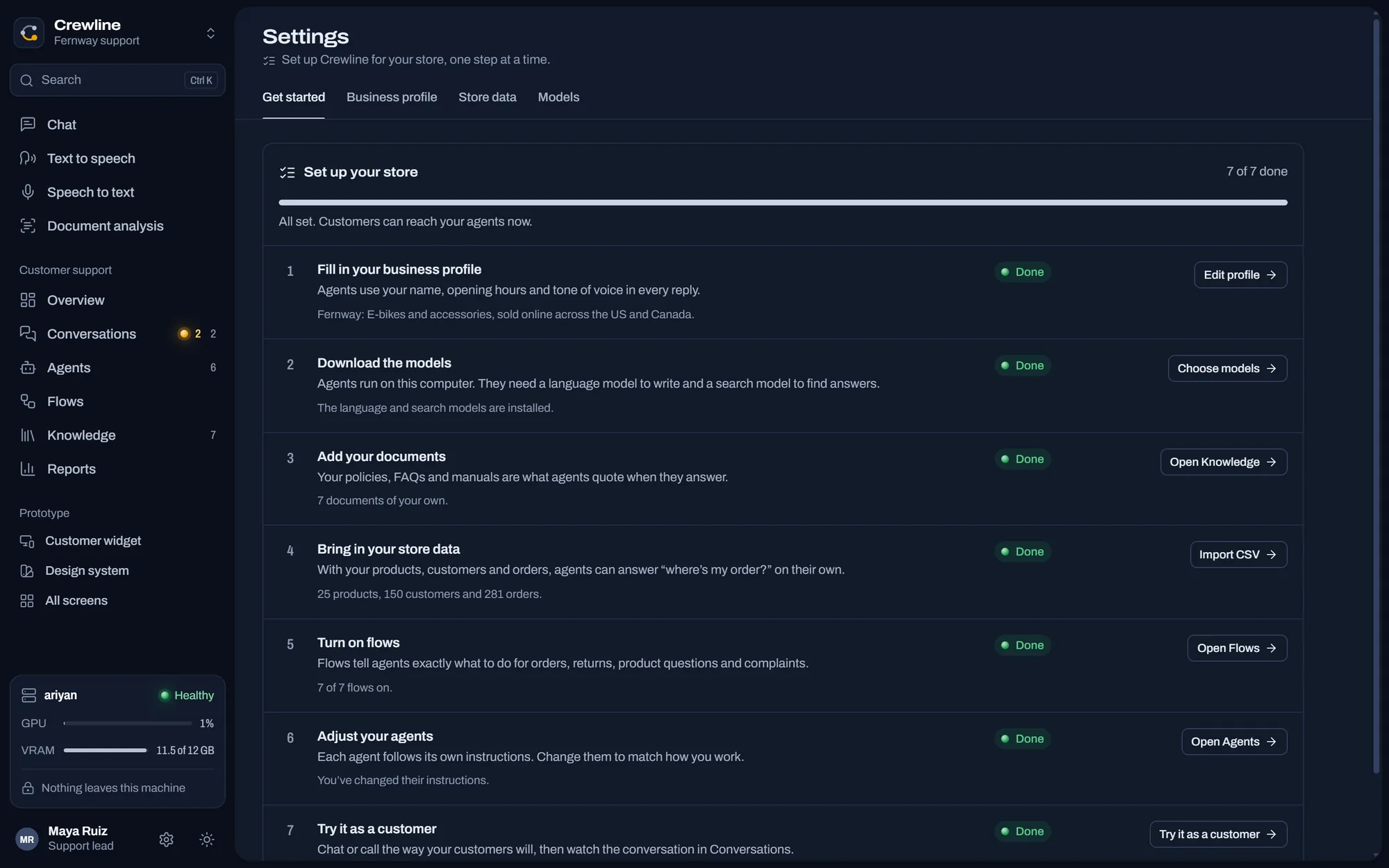
Bring in your products, customers and orders. From then on an agent looks things up the way you would.
Three files, as Shopify exports them
All 25 products, 150 customers and 281 orders came in with nothing skipped.
- Products, products_export.csv: 25 added, 0 skipped
- Customers, customers_export.csv: 150 added, 0 skipped
- Orders, orders_export.csv: 281 added, 0 skipped
How it stays current
Export from your store
Shopify, WooCommerce or any spreadsheet with the same columns.
Drop the files in
Settings, then Store data. It shows how many rows it added and skipped.
Do it again tomorrow
A newer export updates what's there and doesn't add duplicates.
Start from nothing
Crewline opens on a sample shop so you can press every button. Start over clears it, and a checklist appears and ticks itself off as you go.
What it doesn't do yet
Is it connected live to my store?
No. Orders are as fresh as your last import, and there's no live link to Shopify.
Does the money actually move?
Not yet. Crewline records the refund, the order changes and the customer is told. You still press the button in your store or payment provider until those connections exist.


Put someone on the board
Download for Windows228 MB. Windows 10 or later, 64-bit.